How to Create Videos Using Seedance 2.0
Step-by-step guide to creating AI videos with Seedance 2.0. Learn prompts, workflow, and pro tips to get cinematic results fast.

AI video creation is no longer a futuristic idea — it's already changing how content gets made. If you've ever had a vision for a video but lacked the time, tools, or budget to produce it, tools like Seedance 2.0 are built exactly for that gap.
Instead of stitching clips, syncing audio, and fixing mistakes in post-production, you can now generate entire video sequences from a single prompt — with visuals, motion, and sound working together from the start.
This guide breaks down what Seedance 2.0 is, why it stands out, and how you can start creating high-quality videos right away.
What Makes Seedance 2.0 Different?
Most AI video tools feel like clip generators: you type something, and you get a short visual. That's it.
Seedance 2.0 takes a different approach.
Developed by ByteDance, it's designed more like a creative engine than a simple generator. Instead of treating video, audio, and images separately, it combines everything into one system.
That means:
- Your audio actually matches what's happening on screen
- Characters stay consistent across scenes
- You can build full multi-shot sequences, not just single clips
Compared to tools like Sora or Veo, Seedance focuses more on control and storytelling, not just visuals.
Create Videos With Seedance 2.0
How Seedance 2.0 Actually Works
Under the hood, Seedance 2.0 uses a dual-branch diffusion system. In simple terms:
It generates video and audio at the same time.
That's a big deal.
Most tools:
- Generate visuals
- Add audio later
That's why you get awkward lip-sync or mismatched sound.
Seedance skips that problem entirely by building everything together: movement, dialogue, and sound feel natural from the start.
How to Create a Video (Step-by-Step)
You don't need prior editing experience to get started. The workflow is designed to be simple and direct.
1. Open Gendia
- Navigate to Media, then select Video
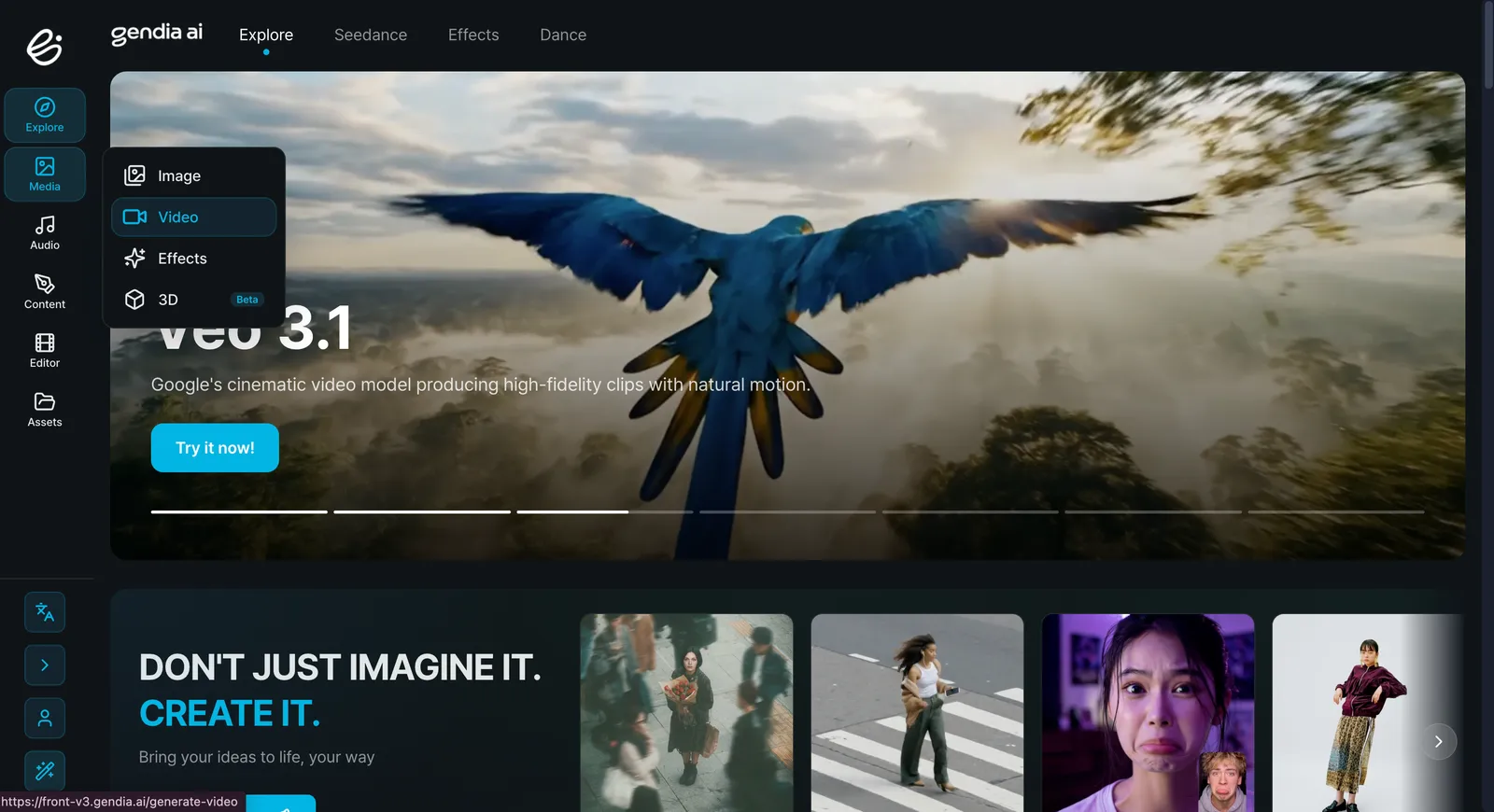
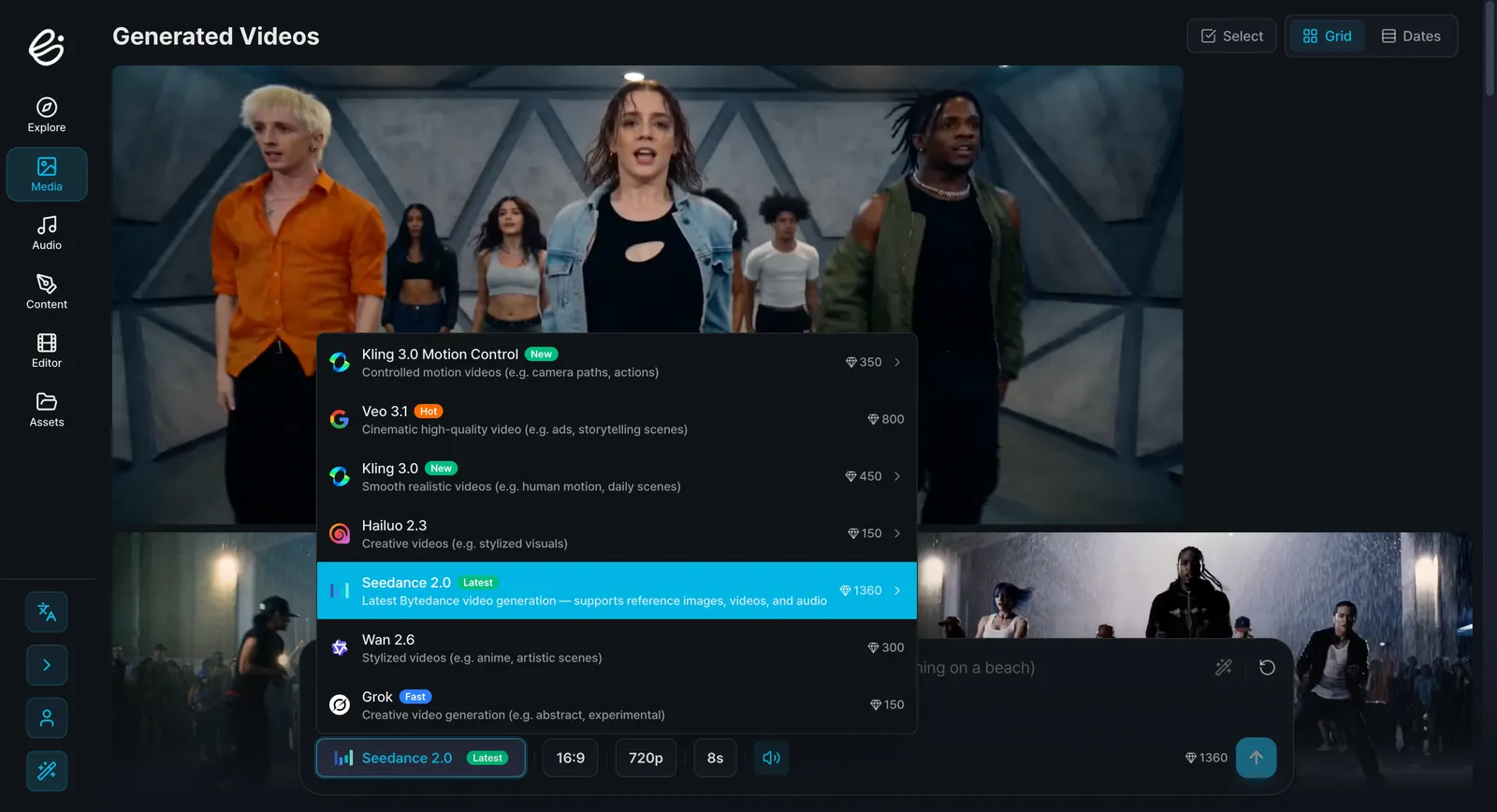
- Choose Seedance 2.0 from the available video models
- Set your preferences, including aspect ratio, duration, and output quality
2. Start with a Prompt (Think Like a Director)
Instead of keywords, think in scenes.
Bad prompt:
"man walking"
Better prompt:
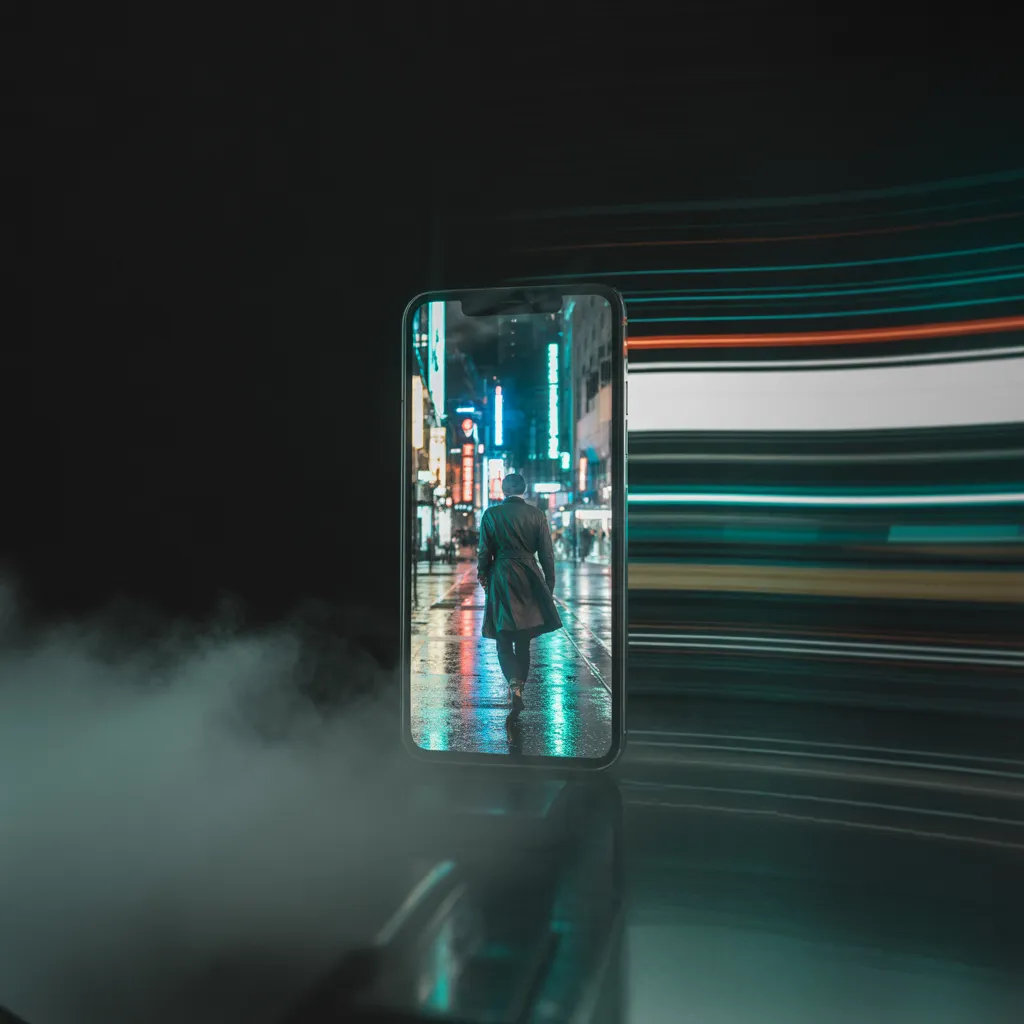
"A cinematic tracking shot of a man walking through a neon-lit city at night, rain reflecting lights, slow motion, dramatic mood"
The more specific you are, the better the result.
3. Add References (Optional but Powerful)
You can upload:
- Images (for characters or style)
- Videos (for motion or camera style)
- Audio (for timing and mood)
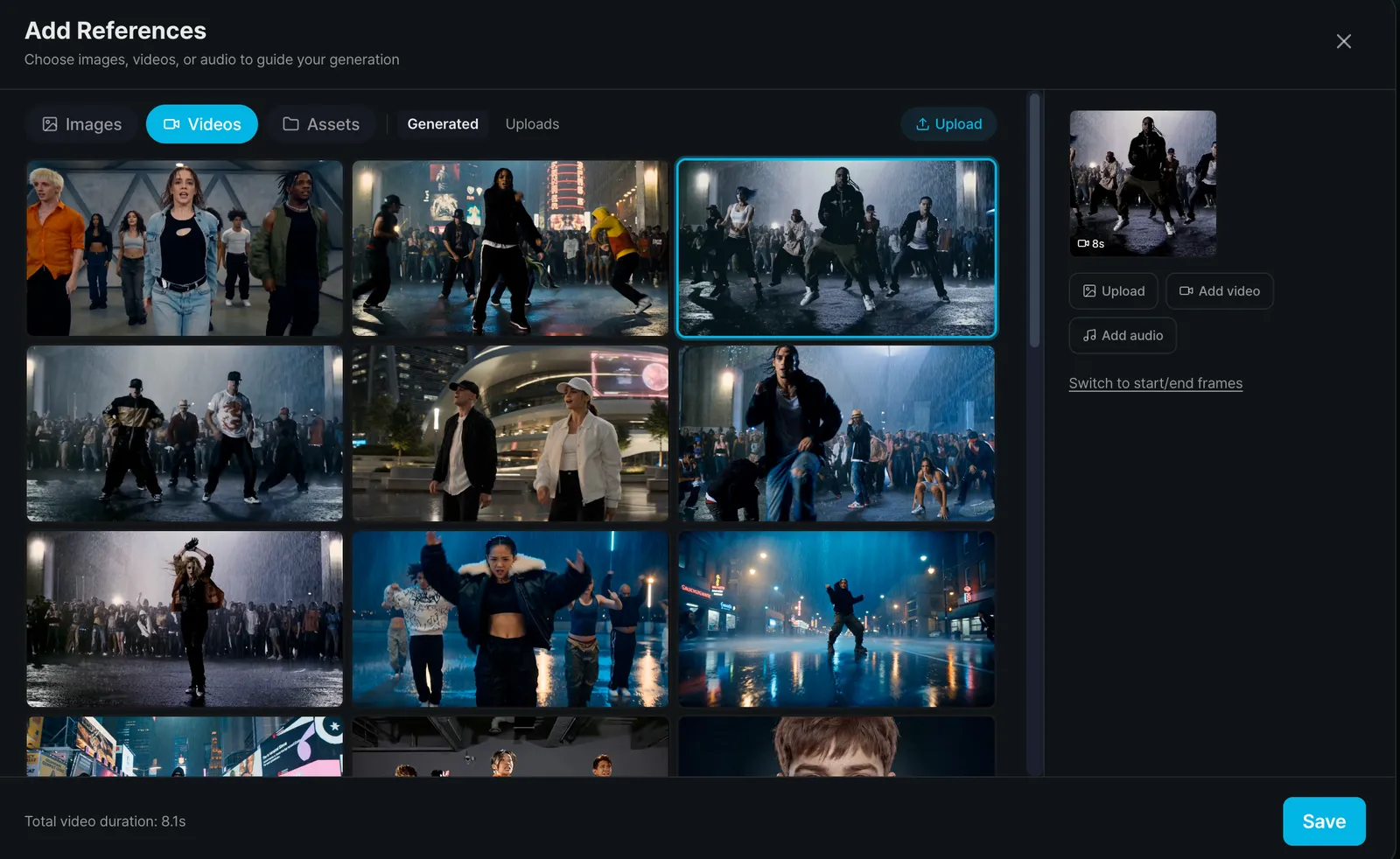
Seedance lets you combine all of these in one project — which is where it really shines.
4. Generate and Preview
Before rendering the full video:
- Test a preview
- Adjust your prompt
- Fine-tune the style or pacing
This saves time and credits.
5. Export Your Video
Once you're happy:
- Generate the final version
- Download and use it for social media, ads, or content
Create Videos With Seedance 2.0
Why Creators Are Switching to Seedance 2.0
Here's what makes it stand out right now:
Real Storytelling (Not Just Clips)
You can create multi-shot scenes that actually feel like a sequence, not random visuals.
Consistent Characters
No more faces changing every frame — characters stay stable across shots.
Built-in Audio Sync
Dialogue, music, and sound effects match perfectly with the visuals.
Camera-Level Control
You can describe:
- Camera angles
- Movements (dolly, pan, zoom)
- Scene transitions
That's something most AI tools still struggle with.
Pro Tips for Better Results
If you want your videos to look professional, this matters more than the tool itself:
1. Be Specific, Not Long
Clarity beats complexity.
2. Think in Shots
Break ideas into scenes instead of one big prompt.
3. Control the Camera
Mention things like:
- "close-up"
- "wide shot"
- "slow dolly-in"
4. Use Mood + Lighting
This instantly upgrades your results:
- "warm sunset lighting"
- "dark cinematic tone"
- "soft natural light"
Is Seedance 2.0 Better Than Other AI Video Tools?
It depends on what you need.
- Sora — great for cinematic visuals
- Veo — strong realism and environments
- Kling — smooth motion for short clips
Seedance 2.0 wins when you need:
- Full scenes (not just clips)
- Consistency across shots
- Audio + video working together
Final Thoughts
Seedance 2.0 isn't just another AI video generator — it's closer to a lightweight production studio powered by AI.
If you've ever struggled to turn ideas into actual videos, this tool removes most of the friction. You can go from concept to finished content in minutes, not days.
And the biggest shift?
You're no longer editing videos — you're directing them.
Writing Effective Prompts for Seedance 2.0
The quality of your output depends directly on how you structure your prompt. Seedance 2.0 responds best to clear, scene-based direction, not scattered keywords.
Think of your prompt as a shot plan.
Core Structure
A reliable format to follow:
Subject → Action → Camera → Style → Mood
- Subject: Who or what is in the scene
- Action: What is happening (keep it focused)
- Camera: Framing and movement
- Style: Visual treatment, color, or references
- Mood: Emotional tone and atmosphere
This structure helps the model interpret your intent with minimal ambiguity.
Prompt Guidelines
- Start with composition: Define the scene before adding detail
- Be specific, not overloaded: Precision matters more than length
- Control the camera: Mention framing and movement when relevant
- Use sequences for longer outputs: Break complex ideas into multiple shots
- Maintain consistency: Reuse character and environment references across scenes
Prompt Examples
Cinematic Environment
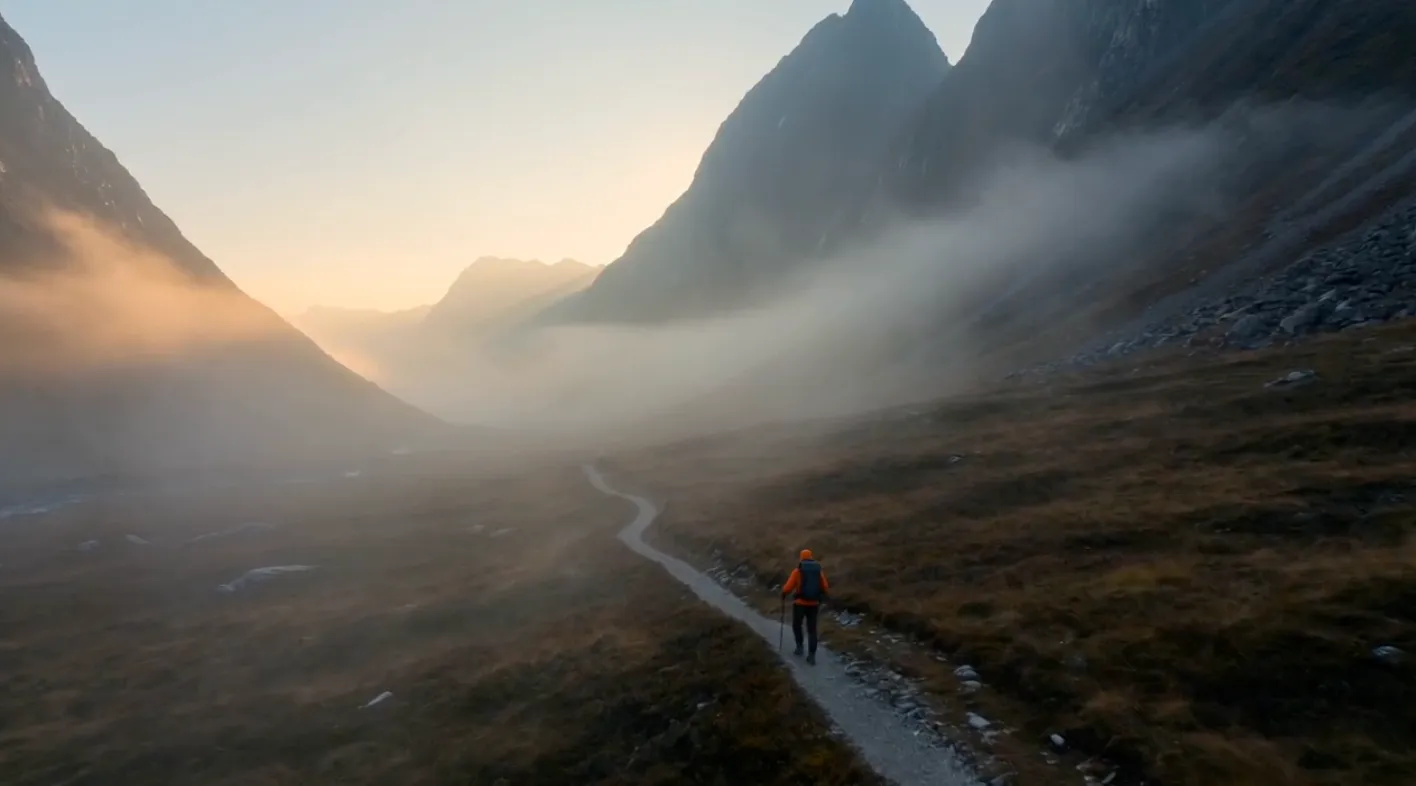
Wide establishing shot of a mist-covered mountain valley at golden hour. A lone hiker in a burnt-orange jacket moves along a narrow trail. Slow forward dolly movement. Soft atmospheric fog with light rays breaking through. Warm highlights, cool shadows. Mood: quiet isolation and scale.
Character-Focused Scene
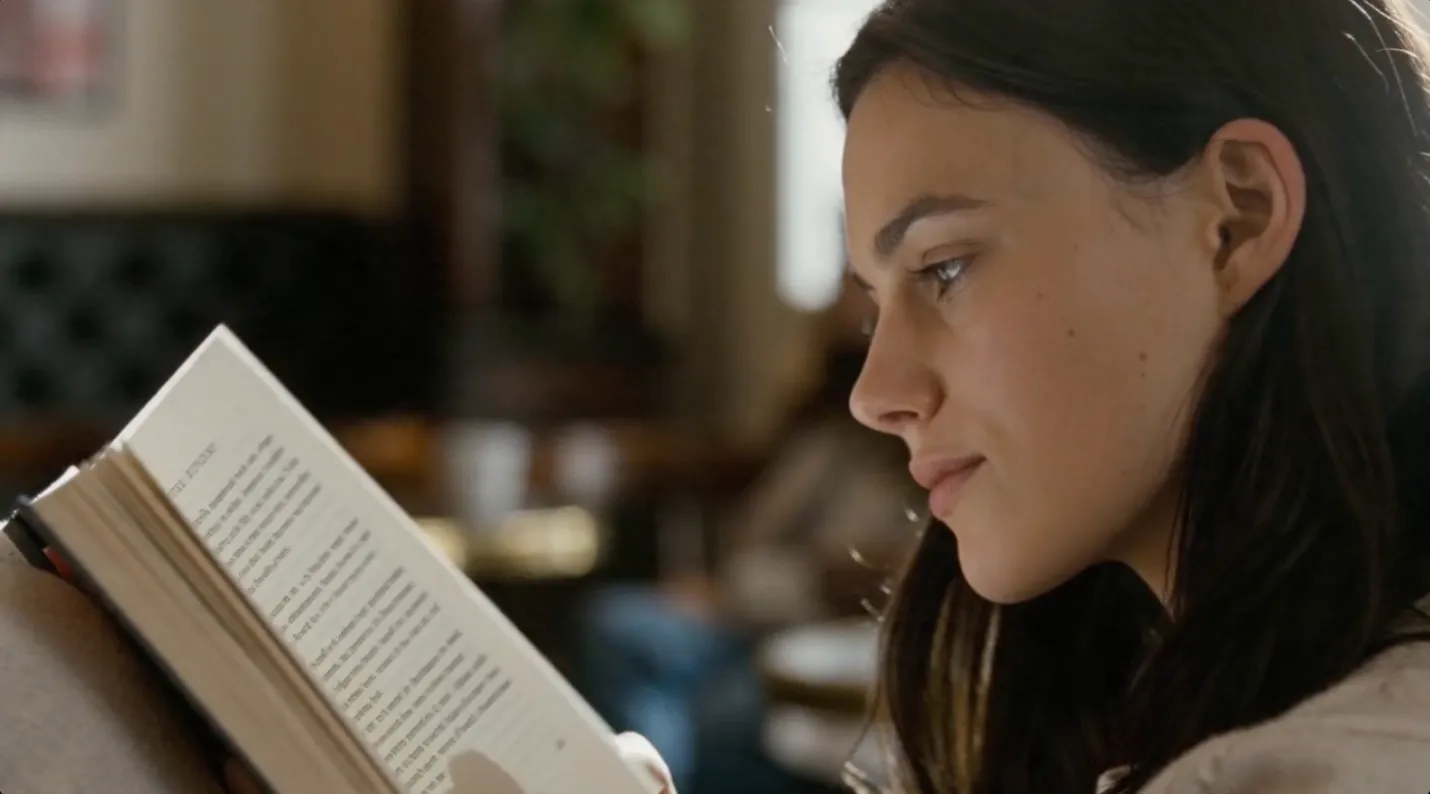
Close-up of a young woman reading at a café table. Shallow depth of field with soft background blur. Subtle natural movement — eye tracking, page turning. Warm window light from the side. Slight film grain. Mood: calm, introspective.
Product Visualization
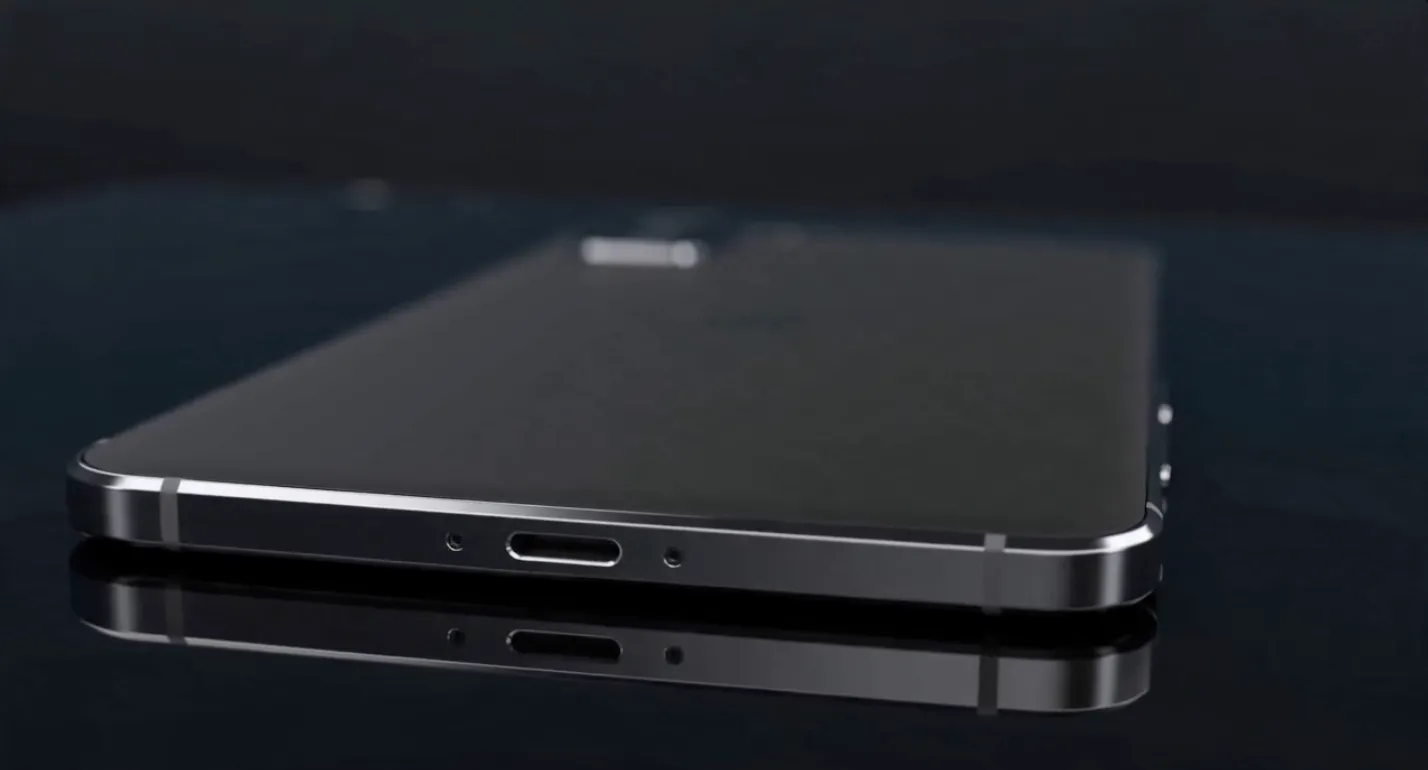
A matte black smartphone centered on a reflective glass surface. Smooth orbital camera movement around the product. Controlled studio lighting with sharp edge highlights and soft fill. Dark minimal background. Clean, high-end commercial aesthetic.
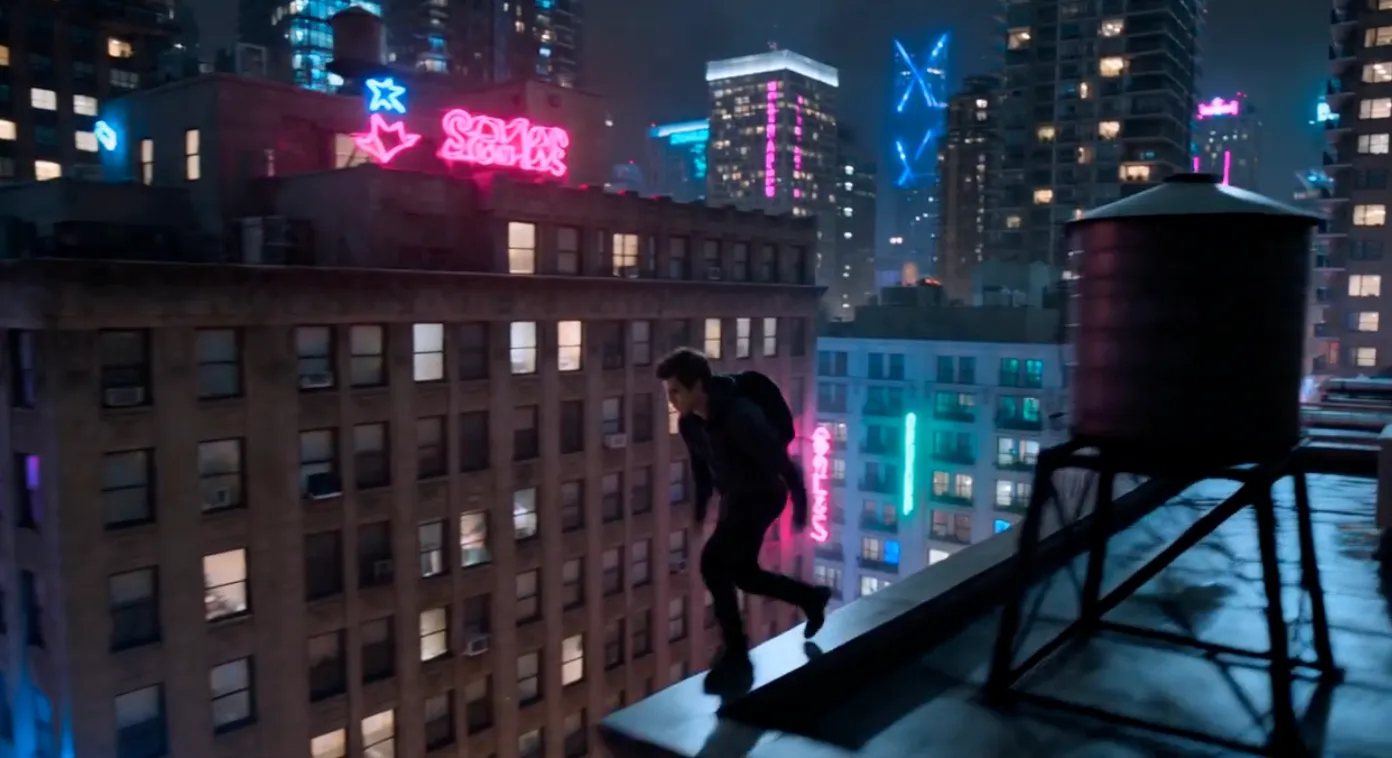
Action Sequence
Fast-paced rooftop parkour sequence at night in a neon-lit city. Tracking shot following the runner, with quick cuts between wide and close-up angles. Wet surfaces reflecting colored lights. Light motion blur. Mood: urgency and tension.
Multi-Shot Sequence
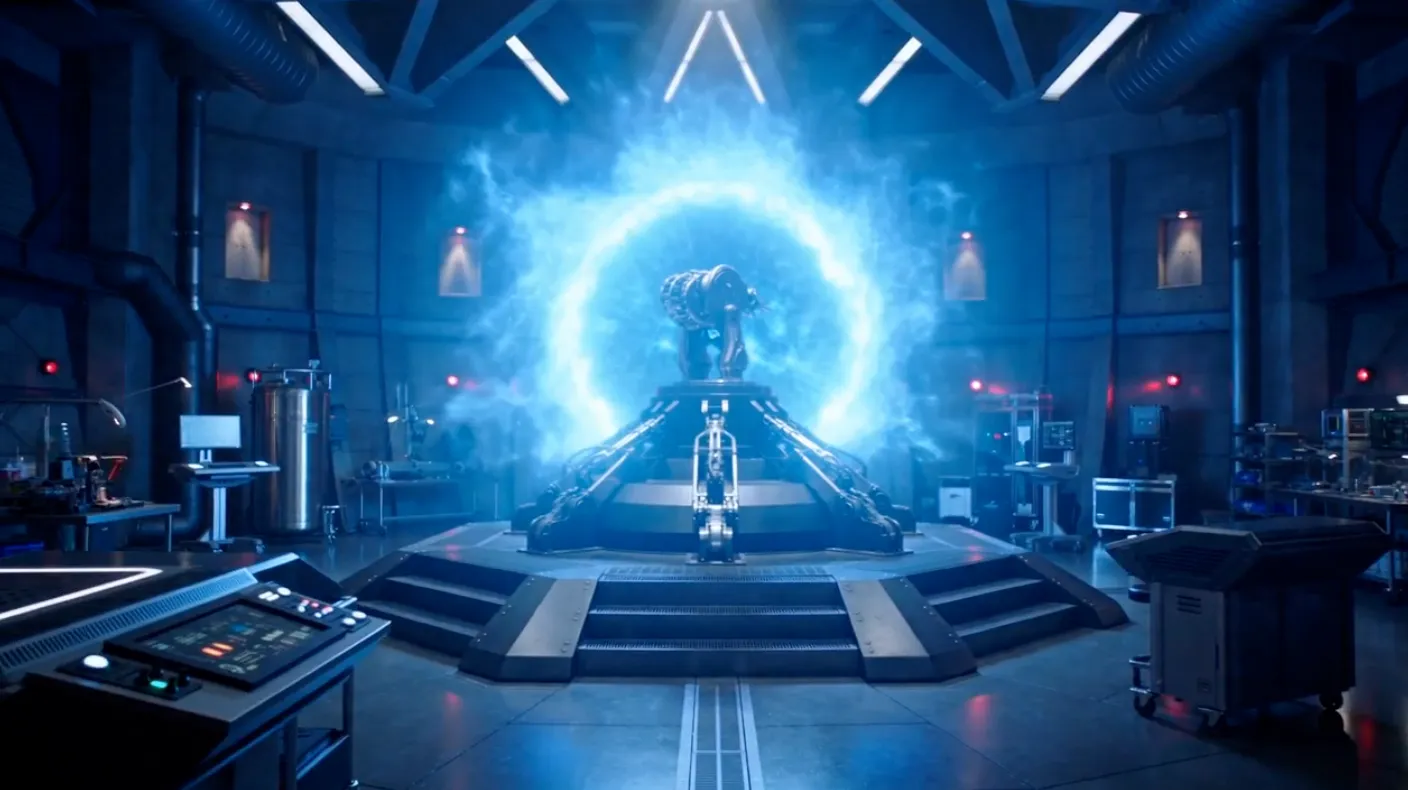
Three-shot sci-fi sequence with consistent character:
Shot 1 — Wide: A scientist enters a dark industrial lab. Red emergency lighting.
Shot 2 — Medium: She interacts with a glowing interface as machines power up.
Shot 3 — Wide pull-back: A portal opens, lighting the entire space. Camera pulls upward.
Consistent lighting and color tone across all shots.
Final Note
Well-structured prompts reduce the need for multiple generations. The clearer your direction, the closer the result will match your intent on the first pass.
Seedance 2.0 performs best when you guide it like a creative tool — not a search engine.
- #Seedance2.0
- #AIVideoTutorial
- #CinematicAIVideo
- #AIPromptGuide
- #Gendia
- #VideoGeneration
- #AIDirector