The Best AI Tools for Image Editing in 2026
A creator's guide to the frontier AI image editing models worth your time in 2026 — Nano Banana Pro, Seedream, FLUX Kontext, GPT Image, Imagen, and more. All in one place.
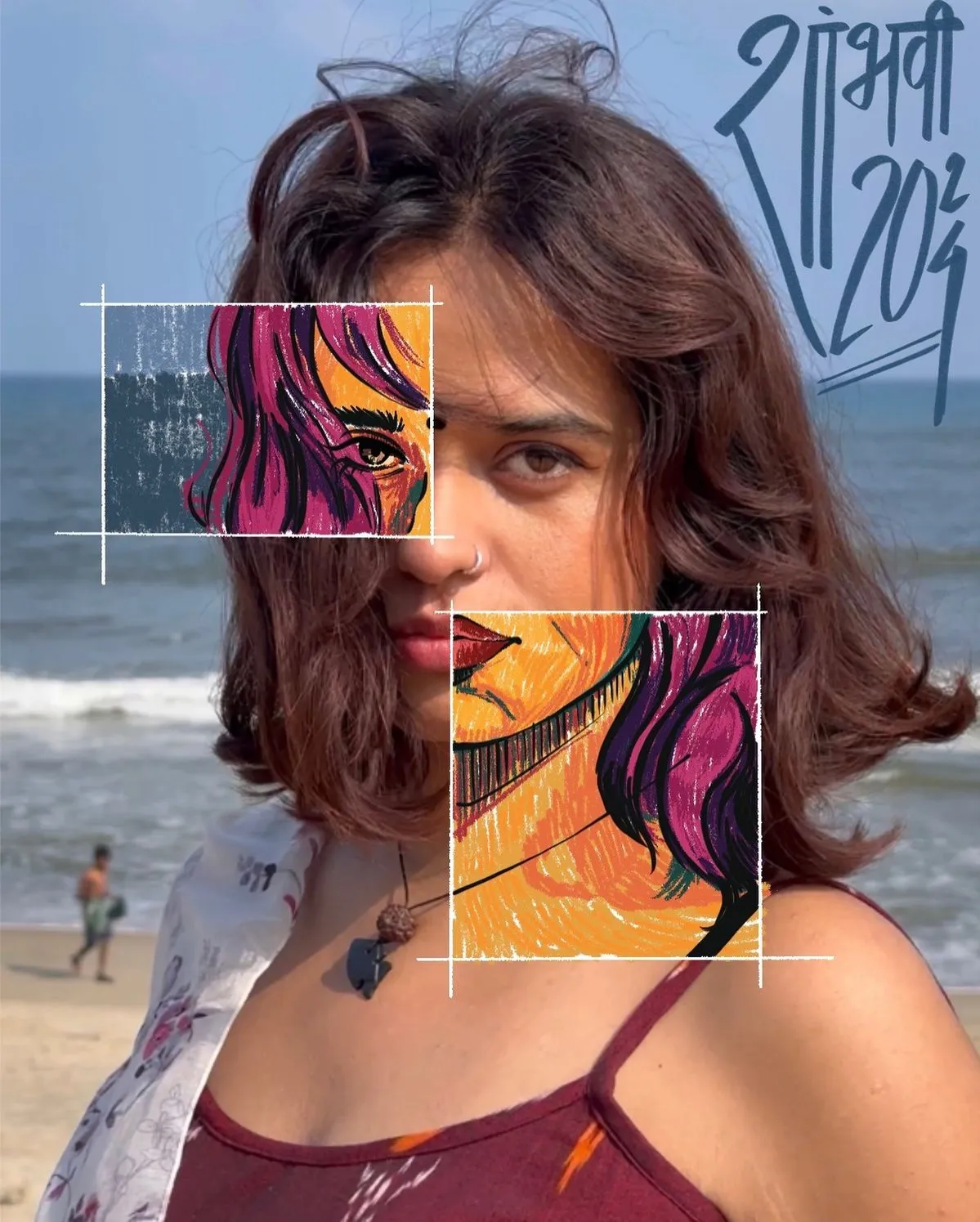
Something quietly historic happened to image editing in 2026: the app stopped mattering.
For years, "AI image editor" meant a piece of software with sliders, a sidebar, and a monthly subscription. You learned the tool, and the tool decided what you could make. Then the frontier models arrived — Nano Banana Pro, Seedream 5.0, FLUX Kontext, GPT Image 1.5, Imagen 4 — and the whole equation flipped.
Now the model is the editor. The app is just a window.
That's the shift Gendia was built around. One canvas. Every model. No tab-switching, no ten subscriptions, no guessing which tool is good at what.
This guide walks through the AI image editing tools worth your attention in 2026 — and where to actually find them.
Start Editing With AI on Gendia
What "Best" Means in 2026
Before the list, the criteria changed.
A great AI image editor in 2026 isn't judged on filters or presets. It's judged on four things:
- Instruction-following — when you say "change the car to deep navy, add morning fog, leave everything else alone," does it actually leave everything else alone?
- Context preservation — do untouched areas stay sharp, or does the whole image get subtly re-painted?
- Character consistency — if you edit a person across five images, are they still the same person?
- Text rendering — can it spell a word without turning it into abstract calligraphy?
The models below each win on a different axis. That's the point. The best workflow isn't one model — it's picking the right one per task.
The Frontier Models (The Ones Actually Worth Opening)
Nano Banana Pro & Nano Banana 2
Google's Nano Banana family is the default answer to "which model should I use?" in 2026.
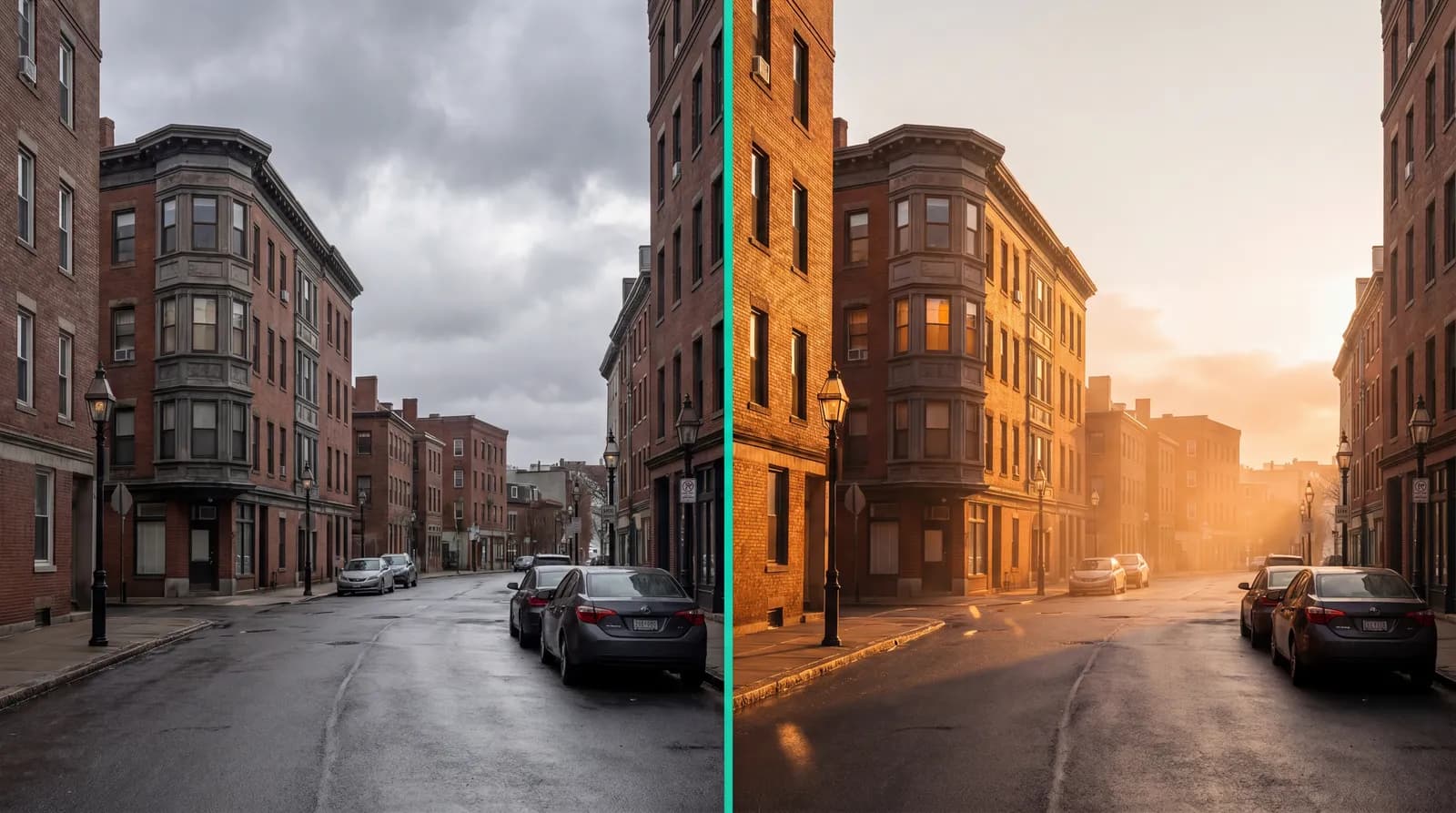
Nano Banana Pro handles semantic edits — "make it dusk," "remove the person on the left," "turn this into a wedding photo" — with a restraint most models still don't have. It changes what you asked for and nothing else.
Nano Banana 2 is the sibling built for compositing. Feed it multiple reference images and it merges them coherently. It's what you reach for when you need a character to appear in a new scene without the face morphing into someone else's.
Seedream 4.5 & 5.0 Lite
ByteDance's Seedream line is the production workhorse. Photographers and e-commerce teams gravitated to it because it does something frontier models often fumble: it respects the original image. Lighting stays consistent, textures stay sharp, and the edit lands exactly where you pointed.
Seedream 5.0 Lite is the faster, cheaper draft-mode version. Seedream 4.5 is the one you ship with.
FLUX Kontext Dev
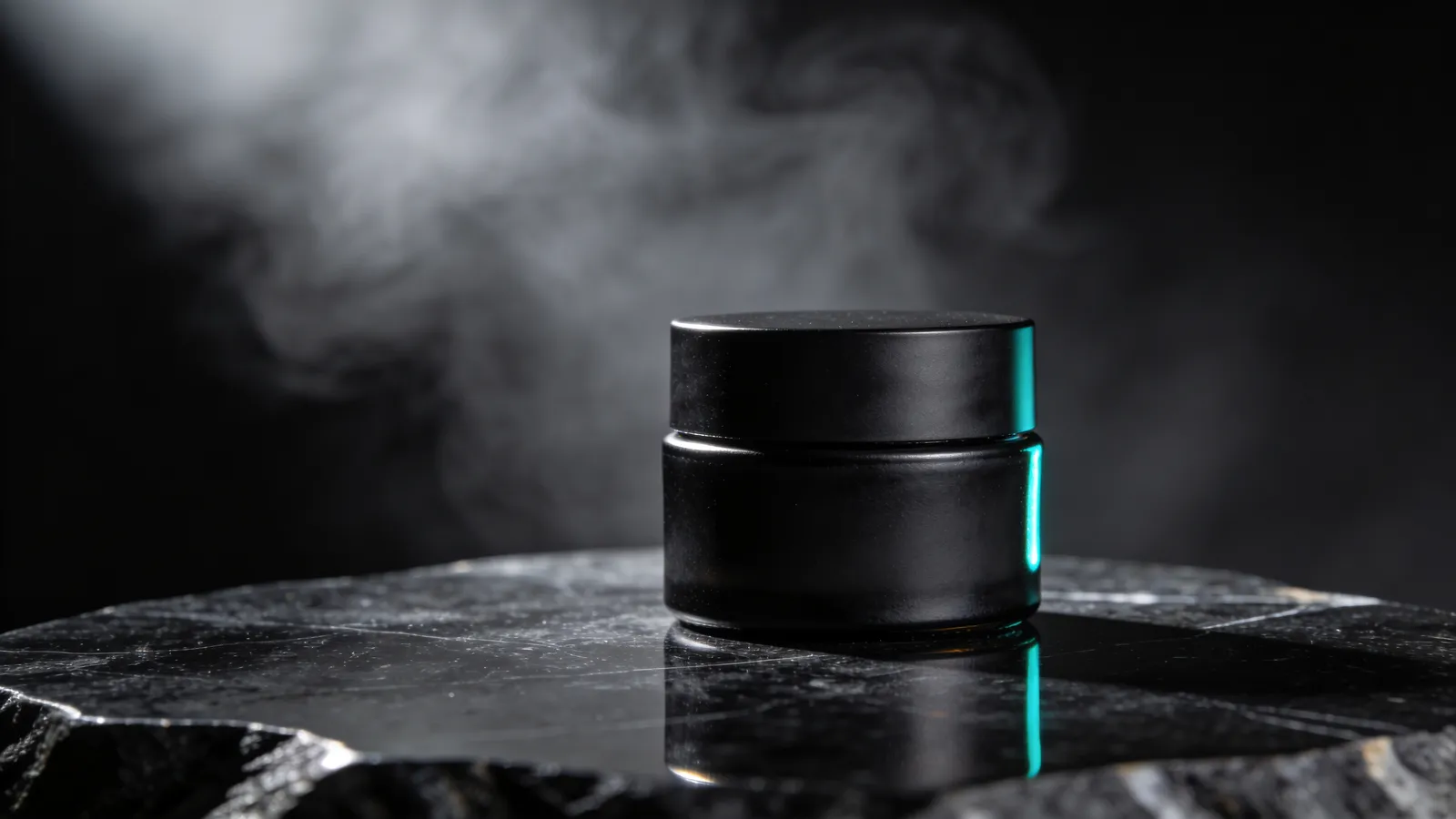
Black Forest Labs' Kontext model is the one typographers and designers swear by. Where most image models treat text as decoration, Kontext treats it as content. Logo cleanup, poster edits, in-image copy changes — this is its lane.
It's also exceptional at iterative editing. You can refine a single image across ten steps without it drifting stylistically.
GPT Image 1.5
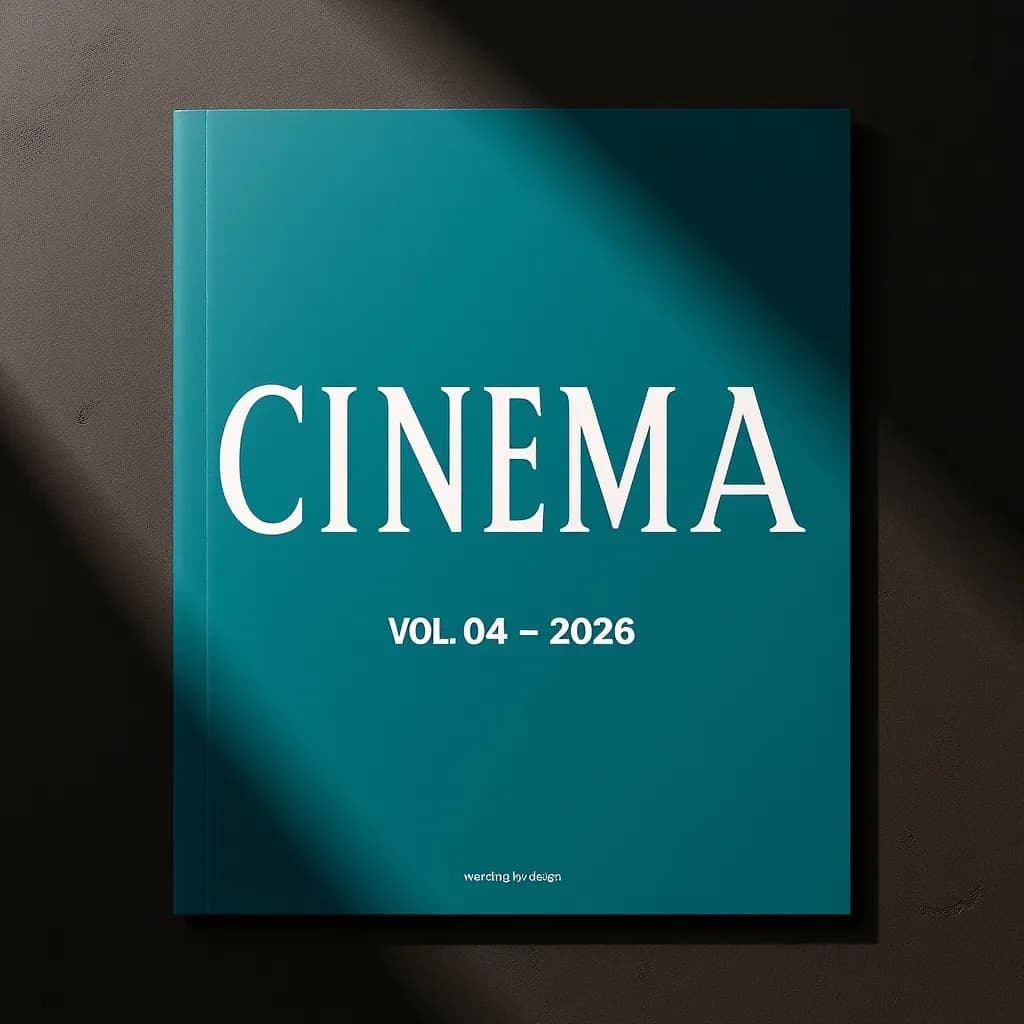
OpenAI's image model leans into instruction-following over aesthetic flourish. Give it a long, specific prompt with conditions — "keep the hat, remove the shadow, add a reflection in the window, adjust the background to match golden hour" — and it executes the list faithfully.
It's the model to use when your brief reads like a checklist.
Google Imagen 4
Imagen 4 is where you go when the answer is "make it beautiful." Its aesthetic defaults — lighting, composition, skin tones, cinematic depth — are calibrated for editorial-grade output.
Less useful for surgical edits. Essential for hero images.
Qwen Image
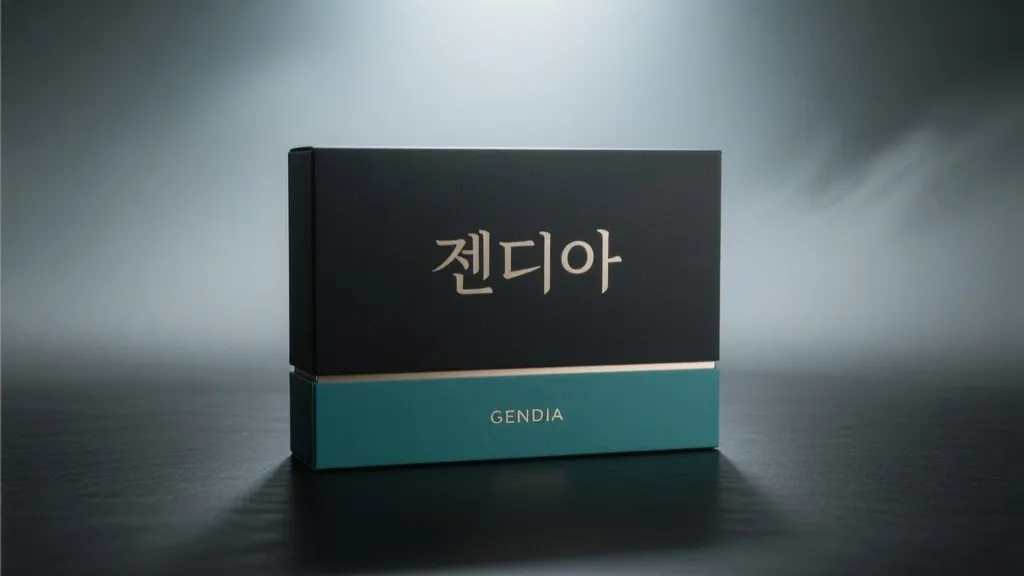
Alibaba's Qwen Image is the quiet overachiever. Strong multilingual text rendering — including Korean and Chinese, which most Western models mangle — excellent detail retention, and underpriced for what it does.
It's the go-to recommendation for teams working outside English-first markets.
Ideogram V3
If your edit involves text in the image — packaging, signage, posters, typography as design element — Ideogram V3 is still the sharpest tool in the box.
It's narrower than the generalist models, but inside its lane, nothing beats it.
Z Image & Grok
Z Image is the speed option. Instant drafts, quick iterations, low credit cost.
Grok's image model is similar — fast, cheap, loose.
Both shine in the early stage of a project, when you're throwing ideas at the wall and need to see twenty variations before committing.
Access All Frontier Models on Gendia
What About Traditional Photo Editors?
A reasonable question: where do the old-school editors fit in?
The honest answer in 2026 — they don't, not for the work most creators are doing now. Pixel-pushing tools were built for an era when every change was manual. Dodging, burning, masking, clone-stamping. They're still capable, and if you grew up on them, muscle memory is real.
But the moment your edit involves "change the scene," "make this person appear in a different outfit," "render this word in this style," or "composite these three references into one image," you're in model territory — and the model is faster, cheaper, and better than any slider.
The shift isn't that traditional editors got worse. It's that the definition of "editing" expanded past what sliders can do.
Why Gendia Is the Easiest Way to Use All of These
Here's the problem every serious creator runs into in 2026.
You don't use one model. You use five. Nano Banana Pro for semantic edits. Seedream for production. FLUX Kontext for text. Ideogram for posters. Imagen for hero shots.
Each with a different API, a different billing cycle, a different login.
Gendia collapses that into one platform:
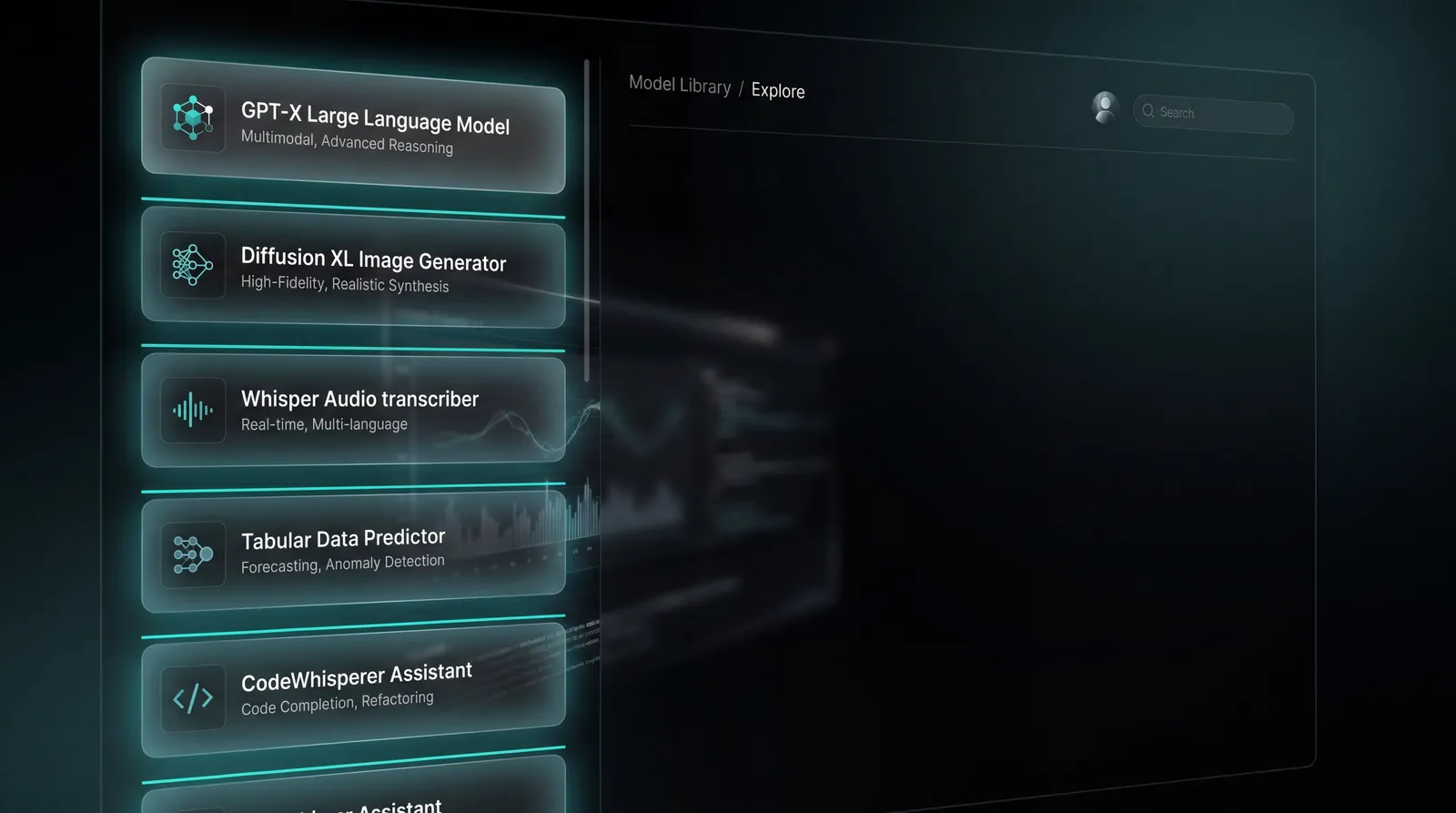
- 14+ frontier image models — Flux (Schnell, Kontext Dev), Qwen Image, Nano Banana / Pro / 2, Seedream 4.0 / 4.5 / 5.0 Lite, GPT Image 1.5, Z Image, Imagen 4, Ideogram V3, Grok — all on the same canvas
- One credit balance, not ten subscriptions
- Video, audio, music, 3D, and story generation in the same account — because most image edits eventually become video, a voiceover, or a piece of a larger project
- A timeline editor to stitch it all together
- A chatbot that picks the right model for your brief, so you don't have to memorize which one handles typography
You can image-edit anywhere. You can create on Gendia.
Create Anything With AI on Gendia
How to Actually Use This List
If you're not sure where to start, this is the decision tree:
For Social Media Edits
Nano Banana Pro. The fastest way to "change this one thing" without ruining everything else.
For Product Photography
Seedream 4.5 or 5.0 Lite. Clean backgrounds, consistent lighting, ships-ready output.
For Posters, Packaging, and Typography
FLUX Kontext Dev or Ideogram V3. Both render text as a first-class element.
For Editorial and Cinematic Hero Images
Imagen 4. Aesthetic defaults tuned for editorial output.
For Instruction-Heavy Complex Edits
GPT Image 1.5. Long briefs, executed literally.
For Korean, Chinese, or Japanese-Language Designs
Qwen Image. Multilingual text rendering that doesn't collapse into shapes.
For Fast Drafts and Brainstorming
Z Image or Grok. Low cost, high volume, perfect for iteration.
You'll find every single one of these on Gendia.
Final Thoughts
AI image editing in 2026 isn't about finding the one tool that does everything. It's about having fluent access to the models that do each thing best — and a canvas that doesn't force you to choose between them.
That's what Gendia is for.
Stop imagining.
- #AIImageEditing
- #NanoBananaPro
- #Seedream
- #FLUXKontext
- #GPTImage
- #Imagen4
- #AIImageGenerator
- #ImageGeneration2026